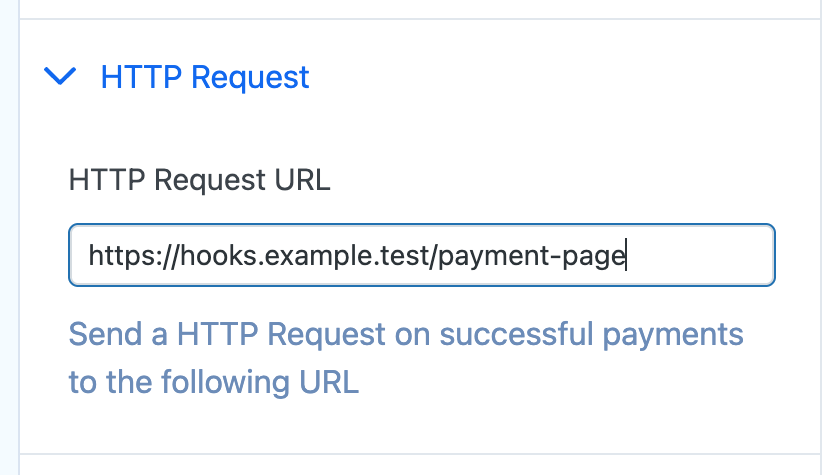
Enable HTTP Request under Actions After Submit on the Payment Form, then enter the HTTPS endpoint that should receive the configured form and payment details.
Verify safely#
- Use an HTTPS endpoint that you control or a request-inspection service whose current data handling and pricing you have reviewed.
- Test only in the appropriate gateway test environment. Do not include live customer data, API secrets, webhook signing secrets, passwords, or regulated data in a test payload.
- Confirm both the request received by the destination and the corresponding Payment Page/WordPress log state. A browser success screen alone does not prove that the remote endpoint accepted the request.
- Configure authentication, signature verification, idempotency, retries, retention, and access controls on the receiving system as appropriate for the data and workflow.
Custom form fields are sent individually. Query-string parameters that do not match a form field can also be included in the HTTP Request details.
Prefill Form Fields Query Strings